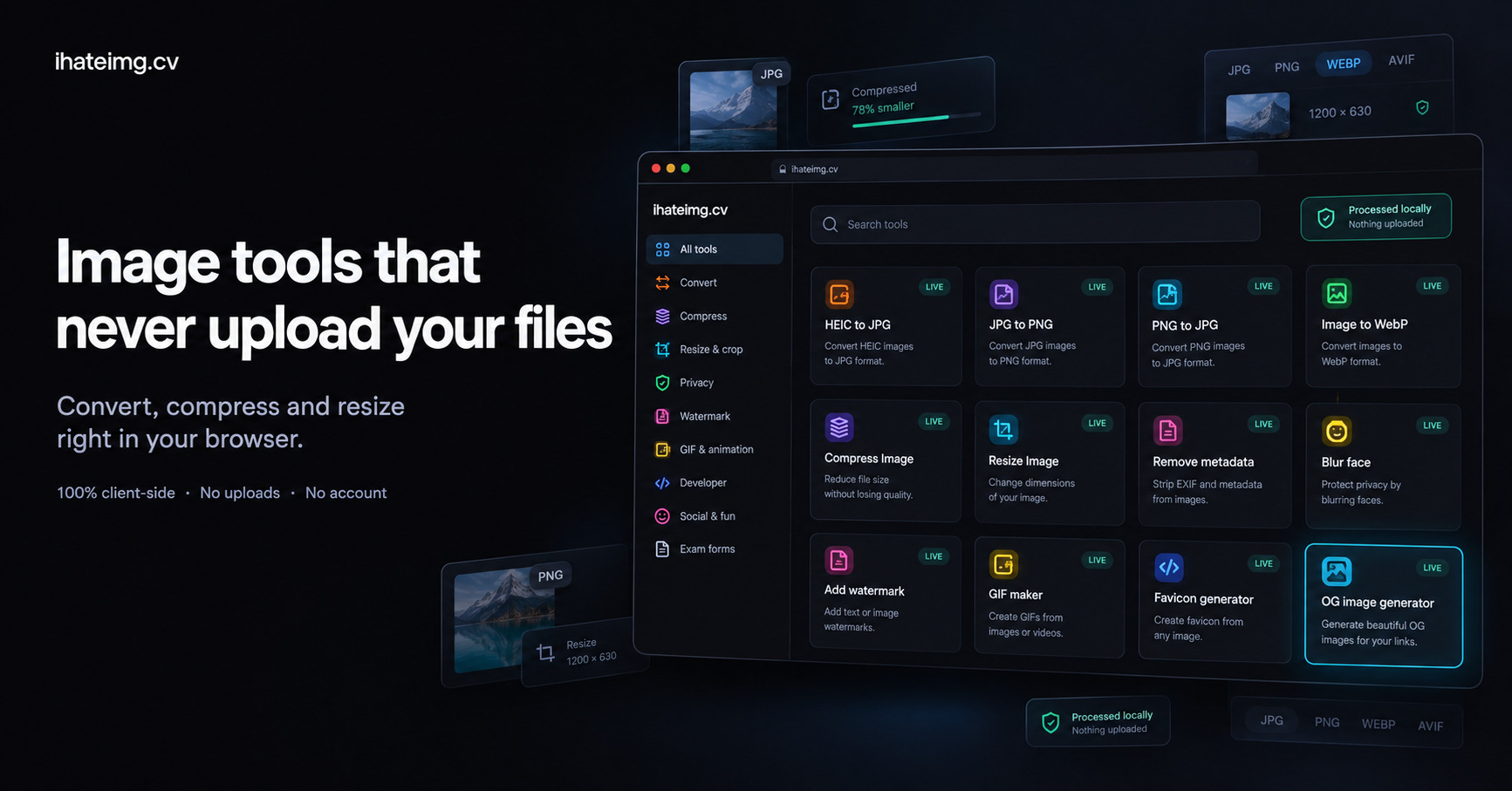
Most free image sites upload your photos to their servers, add a watermark or ask you to sign up. ihateimg.cv does the work on your device instead: 58 free image tools that run in your browser.
What is ihateimg.cv?
Every tool runs in the visitor's browser using Canvas, OffscreenCanvas and Web Workers. The site states there is no upload endpoint and no account system, so files stay on the device and the backend sets no per-file size limit. Each task has its own page.
The tools are grouped by job. Convert covers HEIC, WebP, AVIF, BMP, TIFF, PDF and Base64. Compress includes a quality slider with live preview, PNG palette quantisation and a mode that targets a fixed size in KB. Resize and crop covers exact pixels, print sizes in cm or mm with a chosen DPI, social media sizes and bulk crop. Other groups handle privacy (EXIF viewer, metadata removal, face blur, redaction), watermarks, GIF editing, developer assets such as favicons, app icons and OG images, and exam form presets for photo and signature sizes.
Who is ihateimg.cv for?
Suited to people who need quick image jobs done without installing software or handing files to a third party. That includes web developers preparing assets, anyone converting iPhone HEIC photos, and users who must meet strict file size limits on exam or application portals. The privacy tools also fit people who want to clean metadata before posting.
Highlights
- Runs client-side with Canvas and Web Workers, no uploads
- Converts HEIC, WebP, AVIF, BMP, TIFF, PDF and Base64
- Compress to an exact size such as 20KB, 50KB or 200KB
- Bulk crop, bulk watermark and batch conversion
- Strips EXIF and GPS data, blurs faces, redacts regions
- Favicon, app icon and OG image generators for developers
How much does ihateimg.cv cost?
Free. Free. No account, no watermark, no file-count limit.