
Strata Files is a free, open-source file manager for macOS, built natively in Swift and AppKit. It adds fast search, live folder sizes, a disk usage map, dual pane and a command palette to a Finder-like interface.
What is Strata Files?
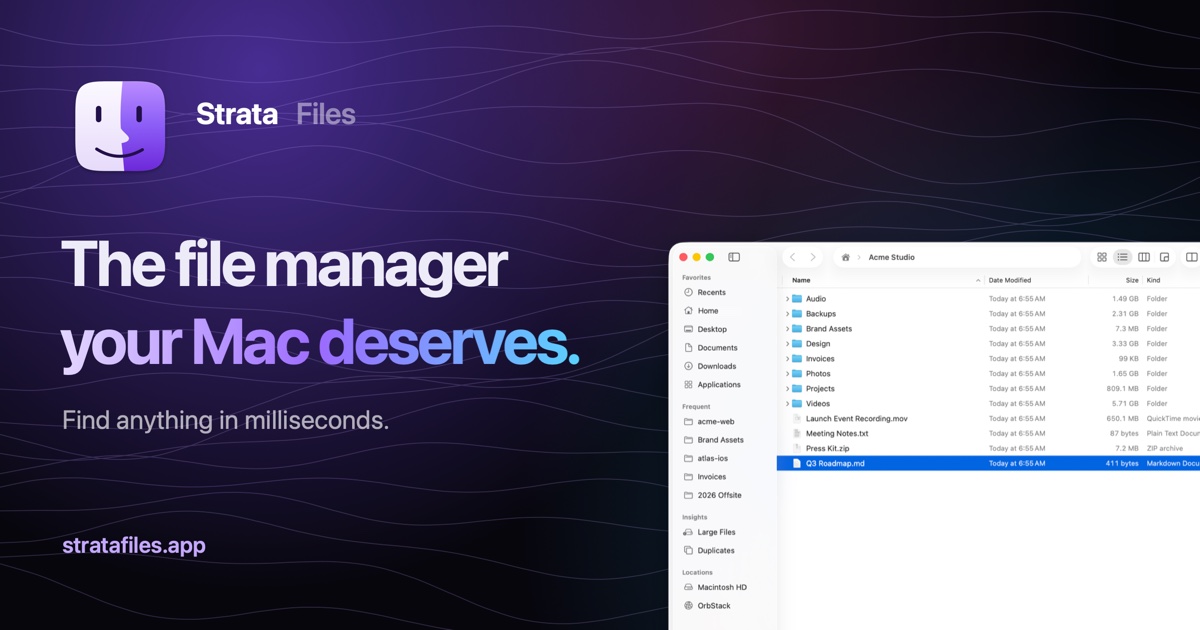
Strata keeps the familiar Finder look, shortcuts, drag and drop, Quick Look and tabs. It indexes the home folder and Applications so results appear as the user types. Searches can use a file name, filters such as ext:swift, size:>1gb or regex, or plain English like "pdfs from last month". Saved searches stay live.
Folders show their real size when opened and update as files change. A Disk Usage view draws a folder as a map, and Large Files and Duplicates views in the sidebar help free up space. Copies can be paused and resumed, conflicts are shown side by side with a diff for text files, and past operations can be undone even after quitting. Other features include a ⌘K palette, Dual Pane, Finder tags, browsable archives, batch rename, git-aware developer features and optional on-device document summaries through Apple Intelligence. It runs on macOS 26 Tahoe with Apple silicon and is offered in 21 languages.
Who is Strata Files for?
Mac users who find Finder slow for search or folder sizes, and who prefer working from the keyboard. It suits developers and people managing large media or backup folders. It requires macOS 26 Tahoe on Apple silicon, so Intel Macs and older macOS versions are not supported.
Highlights
- Indexes the home folder and Applications for search as you type
- Plain English queries plus filters such as ext:, size:, kind: and regex:
- Live folder sizes and a disk usage map with Large Files and Duplicates views
- Command palette on ⌘K, dual pane and five views (Icons, List, Columns, Gallery, Disk Usage)
- Copy queue with pause, conflict previews and undo that survives a quit
- MIT licensed, native Swift and AppKit, no accounts or servers
How much does Strata Files cost?
Open source. Free to download and use under the MIT license. The source code is published on GitHub.