
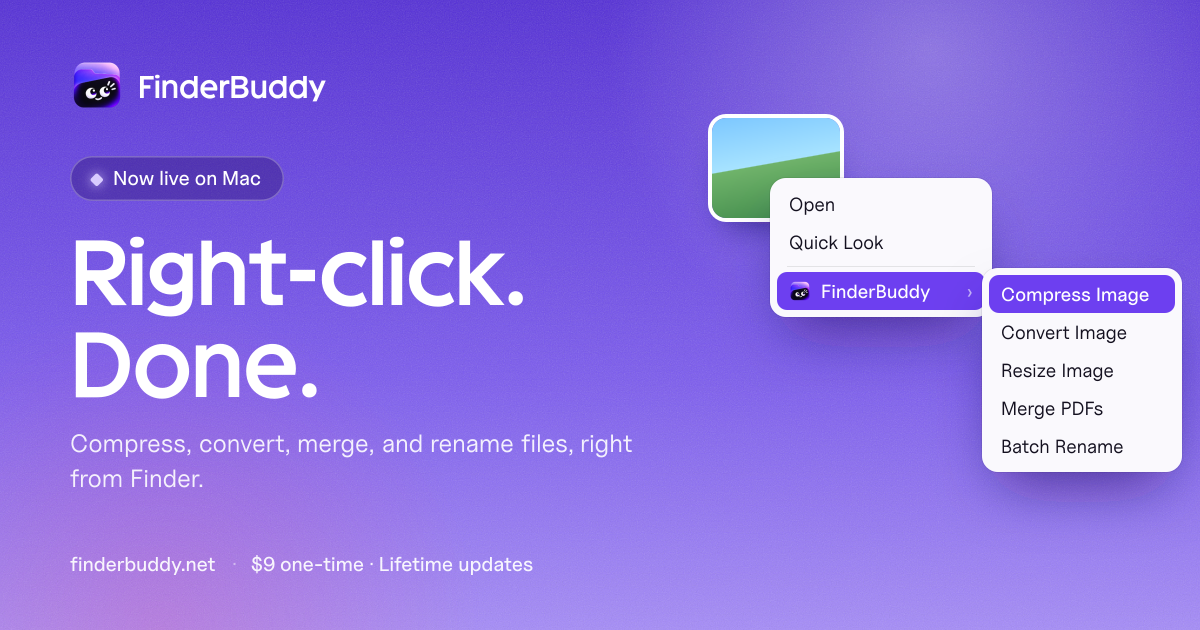
FinderBuddy is a native Mac app that puts everyday file tools in the Finder right-click menu. It compresses and converts images, merges PDFs, renames files in bulk and more, all processed on the Mac.
What is FinderBuddy?
FinderBuddy adds a menu to Finder's right-click. The user selects one file or many, picks a tool and the result is saved next to the original. Processing happens on the Mac, with no upload, no account and no watermark.
Tools cover images (compress JPG and PNG, resize by exact size or percentage, convert between JPG, PNG, WebP and HEIC), PDFs (merge, split, compress, extract pages, rotate, protect, remove passwords, sign and fill forms) and audio and video (video compressor, video to MP3 up to 320 kbps, audio conversion between MP3, M4A, WAV, AIFF and FLAC). It also offers batch rename, zip and unzip, folder tidying and a copy path action. The image compressor shows estimated savings before applying. Keyboard shortcuts can run favorite tools, and new tools arrive with updates.
Who is FinderBuddy for?
Mac users who do small file jobs often and prefer not to use upload-based websites. The site names students joining scanned pages, developers converting screenshots to WebP, small businesses renaming invoices and anyone fitting a photo to an upload limit. It needs macOS 14 or later on an Apple Silicon Mac.
Highlights
- Adds file tools to the Finder right-click menu
- Compresses JPG and PNG with a savings preview
- Converts between JPG, PNG, WebP and HEIC
- PDF merge, split, compress, rotate, protect and password removal
- Batch rename with patterns, dates and numbering
- Processes files on the Mac, no uploads or account
How much does FinderBuddy cost?
Paid. One-time purchase with a lifetime license for up to 3 Macs and all future updates. The launch price is $9 (₹499), listed as rising to $19 (₹999) later. No subscription.