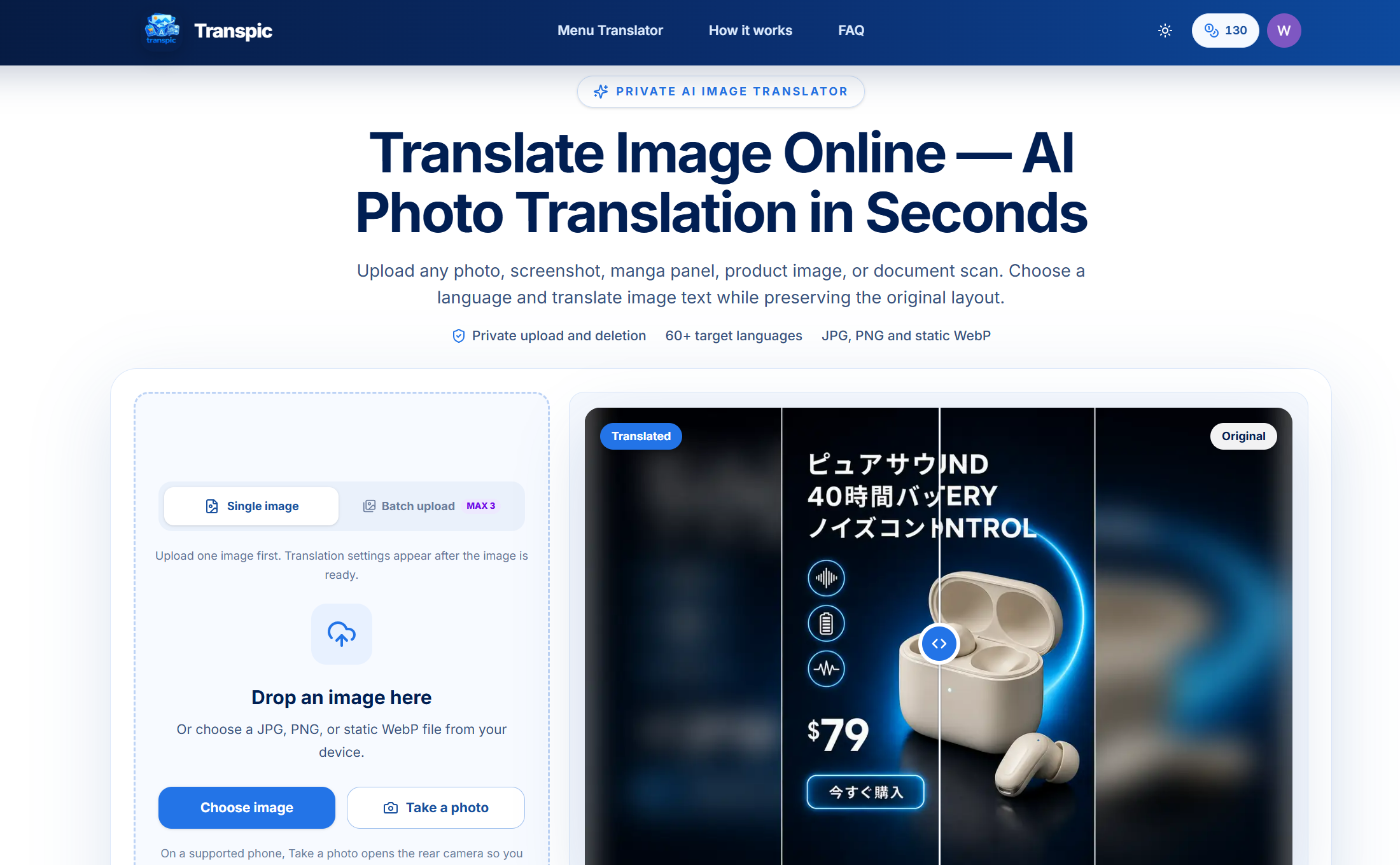
Transpic is a web-based AI image translator. It finds text in photos, screenshots, manga pages and product graphics, translates it into one of 60+ languages and puts it back in the original layout.
Transpic at a glance
- Platforms
- Web
- Free plan
- Yes
What is Transpic?
A user uploads or pastes a JPG, PNG or static WebP image, picks a target language and a translation mode, then runs the translation. The tool detects text blocks, translates them and places the new text where the original sat. The result keeps the uploaded dimensions. Gemini is the default model, and other models depend on the plan.
After processing, the original and translated images can be compared side by side. Individual text blocks can be edited for wording, size, color or placement before export. PDF and Word files are not accepted, and tiny lettering, curved type or heavy texture may need manual fixes. Uploads are stored privately and deleted under a retention policy. Dedicated pages cover menus, screenshots, manga speech bubbles, image to text OCR and text removal. Custom translation instructions are limited to the Pro plan.
Who is Transpic for?
Suited to people who need to read or republish text that sits inside images. That includes e-commerce sellers localizing product graphics, readers translating manga or menus, and anyone working with screenshots or scans. It does not handle PDF or Word documents directly.
Highlights
- Translates text in JPG, PNG and static WebP images
- 60+ target languages
- Keeps the uploaded dimensions and text placement
- Editable text blocks before export
- Guest trial: 1 image up to 3 MB, no sign-up
- Separate pages for menus, screenshots, manga and OCR
How much does Transpic cost?
Freemium. The site lists Free, Starter, Pro and Studio plans, but the prices are not stated in the provided text. Guests can try one image up to 3 MB without signing up, free downloads carry a watermark, and account use costs 10 credits per result in the quick mode.