
Resend is an email API for developers who send transactional and marketing email. It offers SDKs, webhooks, a broadcast editor, contact management and domain authentication tools aimed at inbox delivery.
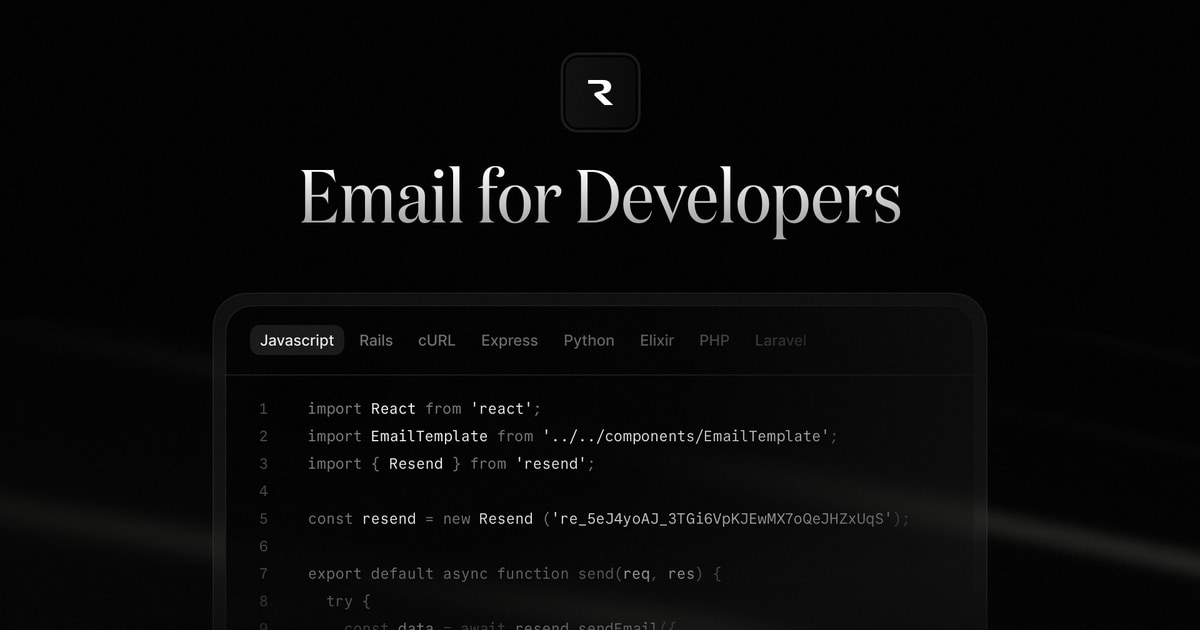
Resend at a glance
- Platforms
- Web, Command line
- Public API
- Yes Docs
- MCP server
- Yes
- Open source
- No
- Self-hosted
- No
What is Resend?
Developers send email by calling a REST endpoint with a Bearer API key or through official SDKs. A batch endpoint takes up to 100 messages per request. Templates can be written in React with react-email, an open source component library, which avoids hand-built table layouts. A test mode lets teams simulate events without emailing real people.
For marketing mail, the product has a visual editor, contact import and management, segments, broadcasts and broadcast analytics. Webhooks report delivered, opened, bounced, complained and clicked events to a server. Delivery tooling on the homepage includes domain authentication with SPF, DKIM and DMARC, BIMI support, blocklist tracking, managed dedicated IPs and a suppression list. Inbound email can be received by pointing MX records at Resend.
Who is Resend for?
Suited to developers and product teams that want to send password resets, receipts and notifications from code, and also run newsletters or broadcasts from one service. The CLI, MCP server and agent skills also fit teams that work with AI coding assistants. The site says recipients must have opted in, so it is not meant for unsolicited bulk mail.
Highlights
- REST API and SDKs for sending transactional email
- Batch endpoint accepts up to 100 messages per request
- Test mode simulates delivery events without sending real email
- Webhooks for delivered, opened, bounced and clicked events
- Templates written in React through the open source react-email library
- Remote MCP server, CLI and agent skills for AI assistants
How much does Resend cost?
Pricing not listed. The website doesn't list prices. Check resend.com for current plans.