Native Mac app: capture screenshots, recordings and GIFs, auto-redact secrets, and post to X in seconds. $29 once, 7-day free trial.
ScreenPost at a glance
- Platforms
- macOS
- Free plan
- No
- Free trial
- 7 days
- Paid plans
- $29 once
- MCP server
- Yes Setup
What is ScreenPost?
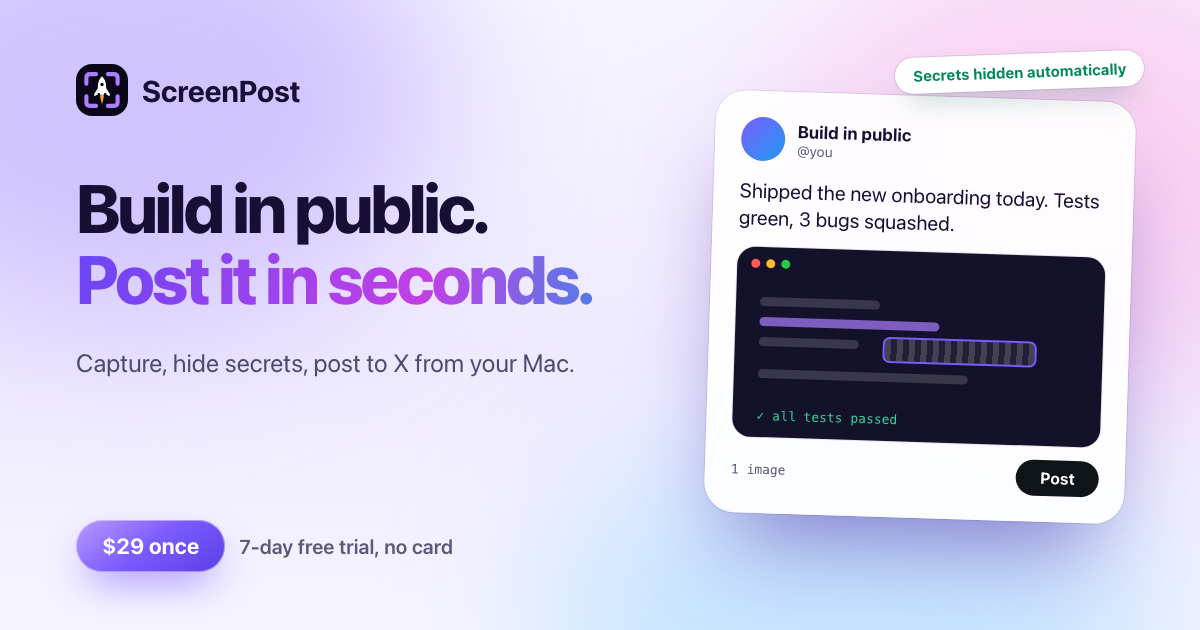
ScreenPost is a native macOS app that takes a screenshot, screen recording or GIF from capture to a posted X post in one flow: capture, annotate, redact secrets, post. Area, window and full-screen screenshots and screen recordings with global shortcuts, trimming, and GIFs sized for X. Annotate with arrows, shapes, text, numbered steps, highlighter, spotlight, magnifier, blur and crop; every object stays editable.
Auto-redact finds emails, API keys, IP addresses and payment-card numbers on device and covers them. Beautify with backgrounds, padding, rounded corners and shadow. Post to X from a composer that looks like the post, with scheduling and several X accounts. An MCP server (off by default) lets Claude Code, Claude Desktop and Cursor capture, edit and post, with a native approval sheet for anything that posts or shares.
Who is ScreenPost for?
For people who build in public and post their progress to X from a Mac. Requires macOS 14 or later, Apple silicon or Intel.
Highlights
- Auto-redact finds emails, API keys, IP addresses and payment-card numbers on device
- Screenshots, screen recordings and GIFs sized for X, with global shortcuts and trimming
- Annotate with arrows, shapes, text, numbered steps, spotlight, magnifier, blur and crop
- Post to X from a composer that looks like the post, with scheduling and several X accounts
- MCP server (off by default) for Claude Code, Claude Desktop and Cursor, with a native approval sheet
- Limits: no scrolling capture. Runs on Apple silicon and Intel
How much does ScreenPost cost?
Paid. $29 once: 1 year of updates, up to 3 Macs, no subscription. 7-day free trial, no card.
Paid plans: $29 once. Free trial: 7 days.