AppScreen is a browser editor for App Store and Google Play screenshots. Place app captures in iPhone, iPad and Android frames, add captions and backgrounds, and export images at the sizes each store asks for.
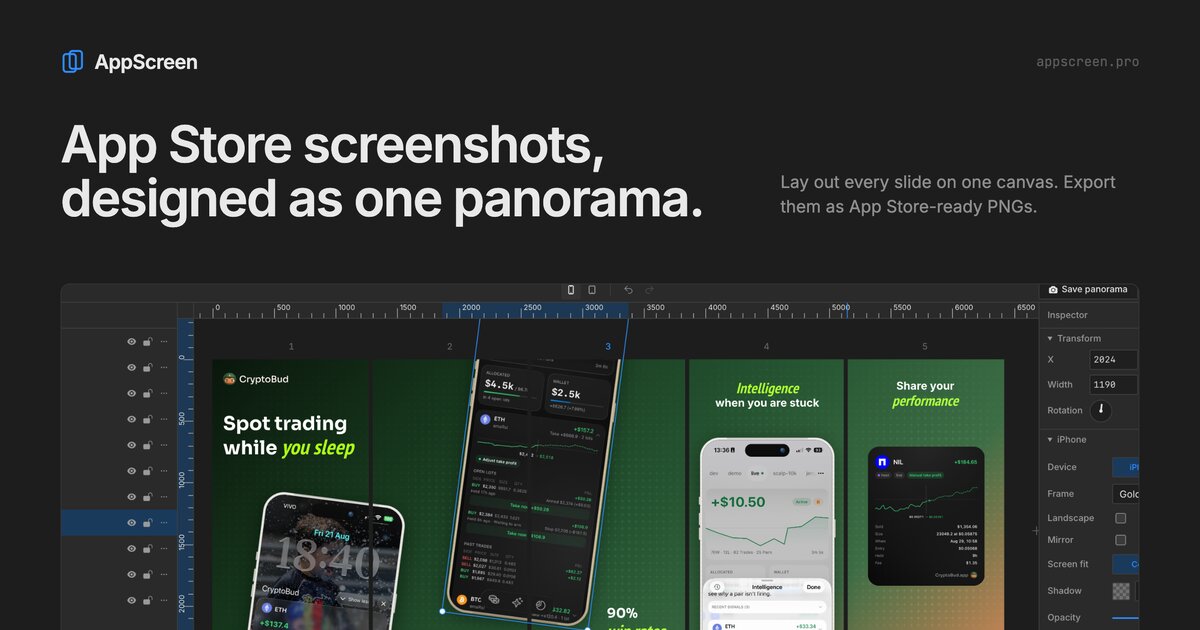
What is AppScreen?
AppScreen runs in the browser with nothing to install. You upload captures of your app, place them in iPhone, iPad, Android phone or Android tablet frames, and add captions, backgrounds and colors around them.
Each project holds a row of slides that is exported as images sized for the App Store and Google Play. The free version covers iPhone and Android phone frames, 3 projects and 5 slides. Pro adds tablet frames, up to 10 slides, patterns, cloud storage, share links, version history and access for AI agents over MCP.
Who is AppScreen for?
Indie developers and small app teams who publish on the App Store or Google Play and want store screenshots without a design tool or a designer.
Highlights
- iPhone, iPad and Android device frames
- Exports at App Store and Google Play sizes
- Free plan with no account needed
- Pro is a one-time payment of 9 dollars
How much does AppScreen cost?
Freemium. Free: iPhone and Android phone frames, 3 projects, 5 slides. Pro is $9 once, no subscription.